
Why a website alone is often not enough
A traditional business website can explain who the company is, list services, and collect contact forms. That is useful, but many B2B companies need more. They need the website to qualify leads, send data to the right tools, notify teams, support search visibility, and connect to operational systems.
When each layer is built by a separate provider, the result can become fragmented. One team designs the site, another builds automations, a third handles CRM, and a fourth supports ERP. The company then carries the cost of coordination.
The Sammly model: website plus operating workflow
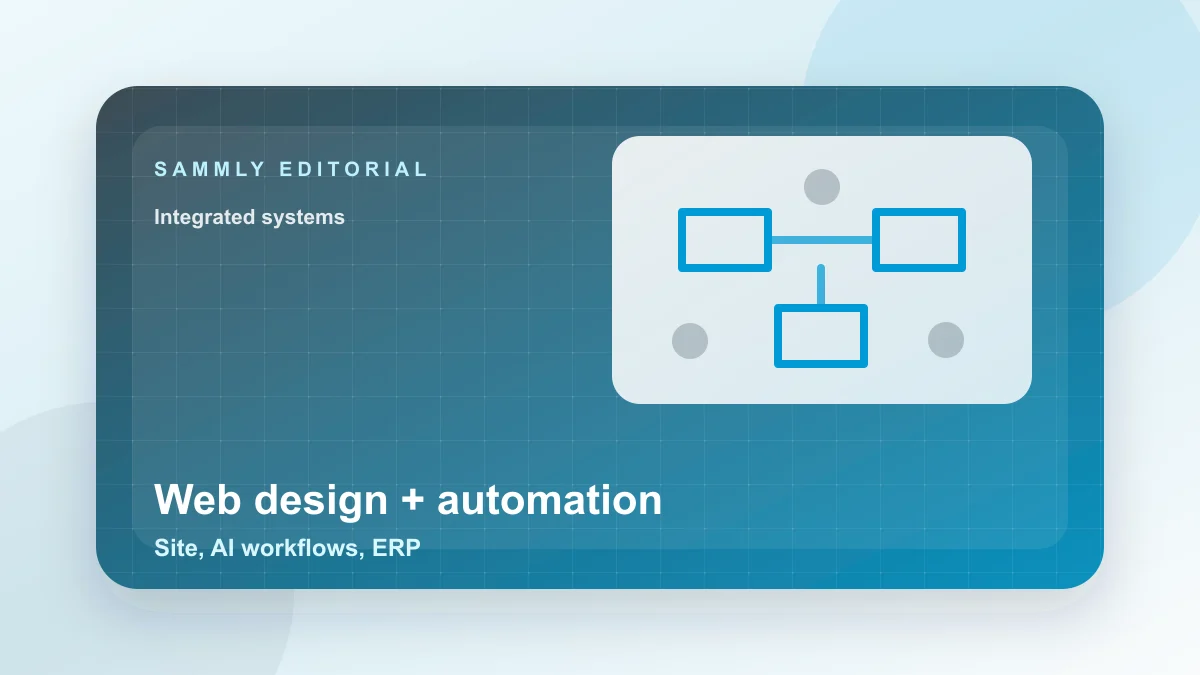
Sammly approaches the project as three connected layers:
1) Website layer
The website should be fast, clear, and easy to maintain. It should include meaningful page structure, strong content foundations, internal links, tracking readiness, and a technical architecture that can scale with the company.
See web design for companies and headless / Jamstack development.
2) Automation layer
Automation turns website actions into business actions. A form submission can become a CRM record, a team notification, a follow-up workflow, or an AI-assisted qualification step. Tools such as n8n, webhooks, and AI agents can reduce manual routing when designed carefully.
3) Business systems layer
The final layer is where the work happens: CRM, ERP, Odoo, inventory, invoicing, reporting, and operational dashboards. The website should pass data into these systems cleanly where the project requires it.
Example workflows
Lead routing from website to CRM
- A visitor submits a consultation form.
- The website sends the payload to an automation workflow.
- The workflow creates or updates a CRM record.
- The sales team receives a notification with source and context.
- The visitor receives a confirmation email or message.
This reduces first-response friction and gives the team cleaner context before the first conversation.
AI-assisted follow-up
- A lead does not respond after an agreed waiting period.
- The workflow checks CRM status and previous context.
- An AI agent drafts or sends a structured follow-up within approved rules.
- The CRM is updated with the outcome.
The point is not to replace the sales team. It is to reduce repetitive work and keep follow-up consistent.
ERP-connected requests
For companies with inventory, quotes, or operations data, the website can connect to ERP workflows. This may include checking availability, creating internal tasks, or updating records after a request. The exact workflow depends on the company’s systems and security requirements.
How to choose the right depth
Not every company needs the full stack on day one. A smaller company may need a strong website plus basic CRM routing. A larger company may need deeper ERP integration and multi-step automation. Sammly starts by understanding the current systems, internal capacity, and business goal before proposing the right depth.
Common mistakes
- Automating a messy process before clarifying the process itself.
- Choosing tools that do not integrate well with the existing stack.
- Building a website without SEO, GEO, or tracking foundations.
- Ignoring ownership and maintenance after launch.
- Using too many providers without one technical owner.
Frequently asked questions
Can we start with only the website?
Yes. A good architecture allows the company to start with the website and add automation or ERP integrations later without rebuilding everything.
Does every project need AI agents?
No. AI agents are useful when there are repeatable tasks, structured questions, or follow-up workflows. Some projects only need simple automation.
How do we start?
Review Sammly web design services or contact the team through the contact page with a short description of your current workflow.